
This is a user manual for Evolis Card Printer.
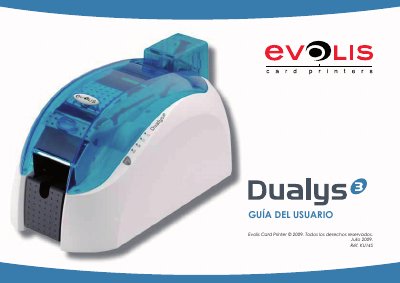
This document is the Spanish user manual for the Evolis KU14S card printer. It provides step-by-step instructions for unboxing, installing the printer, connecting power and USB cables, and loading ribbons and cards. The guide also explains how to use the control panel and perform basic maintenance tasks. This manual is written in Spanish.
| Card capacity in output slot | 100 cards |
|---|---|
| Card thickness range | 0.30 mm to 0.76 mm |
| Power connection requirement | Grounded outlet |
The printer must be connected to a properly protected electrical installation equipped with a ground connection.
No, using other types of ribbons may damage the printer and void the manufacturer's warranty.
The output slot is equipped to receive up to 100 cards of 0.76 mm thickness.