
A quick start guide for Evolis Badge Studio software, covering installation on Windows and Mac OS, creating badges using models or wizards, database…
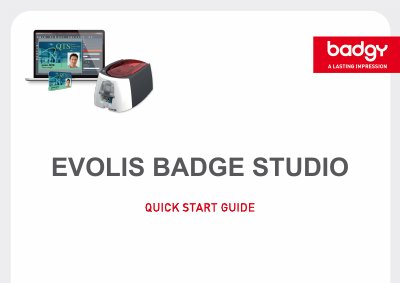
This document serves as a quick start guide for the Evolis Badge Studio card creation software package. It provides instructions for installing the software on both Windows and Mac OS systems. The guide explains how to get started with the interface and home page options available in the application.
The manual details specific workflows for creating badges, including using pre-existing models, utilizing a creation wizard, or designing from a blank document. It also covers essential features such as database management (creating internal databases and importing data), using design tools like lines and shapes, photo acquisition, and configuring print settings.
The software allows you to create employee ID badges, business cards, school ID cards, membership cards, loyalty cards, and invitations.
You can select a different language at any time by going to the "General > Language" menu.
The shape defaults to a black rectangle until you change it in the right-hand window.