
This guide covers the features and capabilities of Evolis cardPresso software for professional badge design, personalization, and encoding.
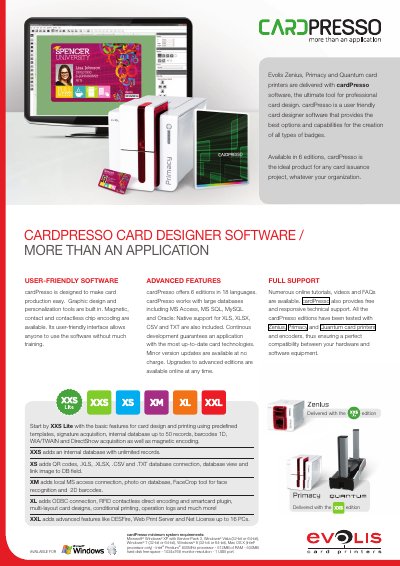
cardPresso is a user-friendly card designer software delivered with Evolis Zenius, Primacy, and Quantum card printers. It provides advanced features for professional card design, including graphic design tools, personalization, magnetic, contact, and contactless chip encoding, and support for multiple databases.
The software is available in 6 editions ranging from XXS Lite to XXL, each offering progressively more advanced capabilities such as database connections, face recognition, RFID encoding, and web print servers. It supports various operating systems including Windows XP through Windows 8 and Mac OS X.
| Minimum Processor | Intel Pentium 800MHz |
|---|---|
| Minimum RAM | 512MB |
| Hard Disk Space | 500MB free space |
| Monitor Resolution | 1024x768 |
cardPresso works with Zenius, Primacy and Quantum card printers.
It supports MS Access, MS SQL, MySQL, Oracle, XLS, XLSX, CSV, TXT, SQLite, and ODBC connections.
Yes, minor version updates are available at no charge.