
This Spanish user manual provides instructions for the unboxing, installation, operation, and maintenance of the Evolis Card Printer.
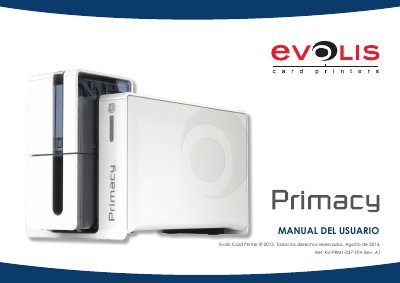
The document serves as a comprehensive guide for users of the Evolis Card Printer. It covers essential topics such as safety precautions, unpacking the device, and registering the warranty on the manufacturer's website.
Detailed instructions are provided for installing the printer, including connecting power cables (specifically mentioning SWITCHBOX types F10723-A or CWT), USB connections, and Ethernet ports. The manual also details how to install High Trust ribbons and load cards with a maximum thickness of 0.76 mm. This manual is written in Spanish.
| Maximum card thickness | 0.76 mm (100 cards) |
|---|---|
| Card thickness range | 0.25 mm to 1.25 mm |
| Factory default thickness setting | 0.76 mm |
The manual specifies using the supplied SWITCHBOX Type F10723-A or CWT Type KPL-065M.
Sending a print job wakes the printer, or you can press the button for 1 second.