
This manual provides instructions for the setup, operation, maintenance, and troubleshooting of the Evolis Dualys plastic card printer.
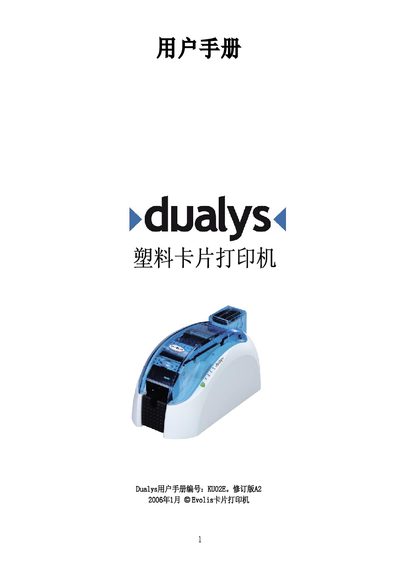
The Evolis Dualys is a plastic card printer designed for printing badges, student cards, monthly passes, employee IDs, access cards, and membership cards. The document covers the initial setup process, including selecting a suitable location, unpacking the device, installing the ribbon and cards, and connecting the power and data cables.
The guide also details how to operate the printer, install drivers, and adjust print parameters. It includes specific instructions for cleaning the internal components, the print head, and the cleaning rollers. Additionally, the manual provides troubleshooting steps for common issues such as print quality problems, card jams, and replacing the print head. This manual is written in Chinese.