
This is the user manual for the Evolis KU-ZEN1-038-CNS card printer, covering installation, connection, maintenance, and operation instructions.
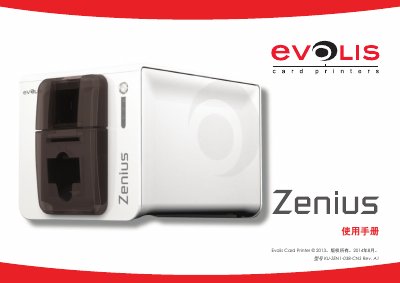
This document serves as a comprehensive guide for the Evolis KU-ZEN1-038-CNS card printer. It assists users in setting up the device, including connecting power and USB cables, installing the ribbon, and loading cards into the cassette or manual feeder. The manual also details safety precautions and environmental disposal instructions. This manual is written in Chinese.
| Print Resolution | 300 dpi (11.8 dots/mm) |
|---|---|
| Memory | 16MB RAM |
| Card Thickness Range | 0.25 to 0.76 mm (10 to 30 mils) |
| Card Size | ISO CR80 - ISO 7810 (53.98 mm x 85.60 mm) |
| Max Print Speed (YMCKO) | 120 cards/hour |
The printer supports cards with a thickness ranging from 0.25 mm to 0.76 mm (10 to 30 mils).
The cassette capacity is for up to 50 cards with a thickness of 0.76 mm (30 mils).
The printer automatically enters a standby state to save energy after being inactive for over 10 minutes.