
This is a user guide for the Evolis Card Printer
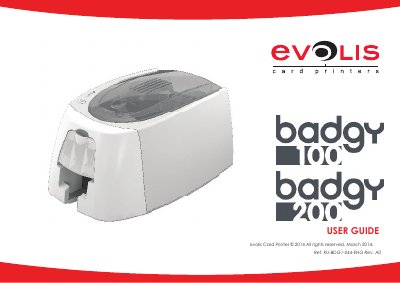
This document serves as the user guide for the Evolis Card Printer, covering the entire lifecycle of the device from unpacking to maintenance. It details the unboxing process, lists the included accessories, and provides step-by-step instructions for connecting the printer to power and USB devices. The guide also explains how to load and change ribbons and cards, ensuring optimal print quality and printer longevity.
| Card capacity (feeder) | 50 cards |
|---|---|
| Card capacity (output hopper) | 20 cards |
| Operating temperature | 15° / 30 °C |
| Storage temperature | -5° / +70 °C |
Evolis recommends using original High Trust ribbons to optimize operation and avoid damage.
The output hopper has a maximum capacity of 20 cards with a thickness of 0.76 mm.
The printer switches to hibernation mode after 30 minutes in standby mode.