
This document is the user guide for Evolis card printer
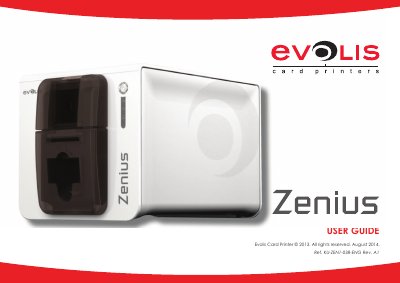
This user guide helps you set up and operate your Evolis Card Printer. It covers unpacking, installation, card and ribbon loading, and printer settings. The guide also includes technical specifications, card management, and contact station interface details for smartcard programming. Safety and warranty information is provided to ensure proper use and maintenance.
| Printing Speed (YMCKO) | 120 cards/hour |
|---|---|
| Printing Speed (Monochrome) | 400 cards/hour |
| Print Head Resolution | 300 dpi (11.8 dots/mm) |
| Card Thickness Range | 0.25 to 0.76 mm |
| Card Format | ISO CR80 - ISO 7810 (53.98 mm x 85.60 mm) |
The card feeder can hold up to 50 cards with a thickness of 0.76 mm.
The output hopper can hold up to 20 cards with a thickness of 0.76 mm.
No, using ribbons from other suppliers may damage the printer and void the warranty. Use only Evolis original High Trust® ribbons.