
This document introduces the use of monochrome rewritable card printers
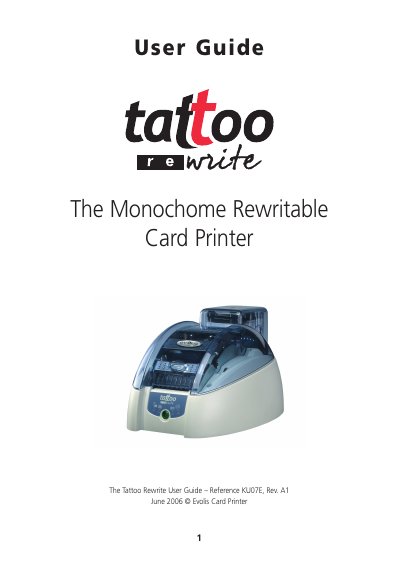
This guide provides step-by-step instructions for setting up and operating the Evolis Tattoo Rewrite card printer. It covers choosing a location, unpacking, installing cables and drivers, managing cards, and performing maintenance. The printer uses thermal technology to print on rewritable cards up to 500 times. It includes troubleshooting for jams and print quality issues, and details on warranty and RMA procedures.
The guide also explains how to load cards via feeder or manual feed, configure printer settings, and interpret control panel indicators. Support information and technical specifications are included in later chapters.
It is used for printing multi-purpose rewritable plastic cards such as visitor badges, business cards, and loyalty cards.
The same card can be printed and erased up to 500 times.
The printer can handle cards up to 0,76mm (30mil) thickness.
The card must cool off for a few seconds before reprinting.