
Evolis QUANTUM Card Printer User Guide

This is a user guide for Evolis card printer
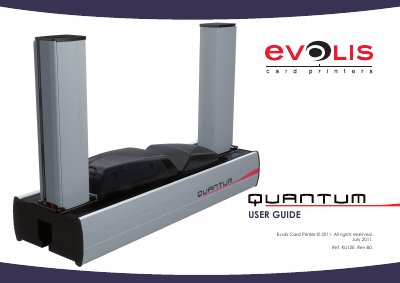

Evolis QUANTUM Card Printer User Guide - cover page
Brand
Evolis
Category
Printer
Document type
User Manual
Language
English
Pages
63
File format
PDF
File size
8.4 MB
Published
17 October, 2023
Updated
17 October, 2023
MD5 checksum
C15B2C143A14635175BE3EA89C7E6BF4

About this manual

This manual covers the Evolis QUANTUM card printer, a device used to create high-quality cards and badges in various thicknesses, colors, and styles. It details the printer's components, including the card input feeder, encoding module, and LCD control panel.

What's inside

  • Getting started
  • Description of the printer
  • Installation
  • Power supply connection
  • USB cable connection
  • Software and accessories
  • Maintenance kits
  • Printer accessories

Specifications

Reject hopper capacity20 x 0.76 mm or 30 mil cards

Frequently asked questions

What power supply units are compatible with the Evolis QUANTUM?

The printer requires the VP ELECTRONIQUE Type PAC150M or PROTEK POWER Type PUP150N-14 power supply unit.

How do I know if the printer installation is correct?

The display should show 'READY' and the LED should be a steady green light after the start-up sequence.

Download PDF (8.4 MB)

More Evolis Manuals


View all Evolis manuals →