
This is a user manual for the Panasonic DMC-LX100 digital camera
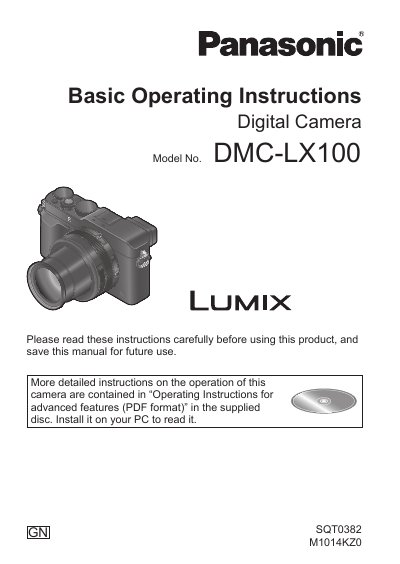
This manual provides basic operating instructions for the Panasonic DMC-LX100 digital camera. It covers essential preparations such as charging the battery, inserting the memory card, and attaching accessories like the lens cap and shoulder strap. The document also details safety precautions and care instructions to maintain the camera's condition.
| Model Number | DMC-LX100 |
|---|---|
| Battery Pack | DMW-BLG10E |
| Battery Charger | DE-A98A |
| USB Connection Cable | K1HY08YY0031 |
| Flash | VEK0V37Z1-A |
| Soft Case | VFC5140 |
| Lens Cap | SXQ0155 |
| Shoulder Strap | VFC5137 |
Turn off the camera and wait about two hours before using it until the fogging clears naturally.
No, you should format the card on the camera only to ensure proper operation.