
Cisco 350 Series Managed Switches Quick Start Guide

This is the Quick Start Guide for Cisco 350 Series Switches
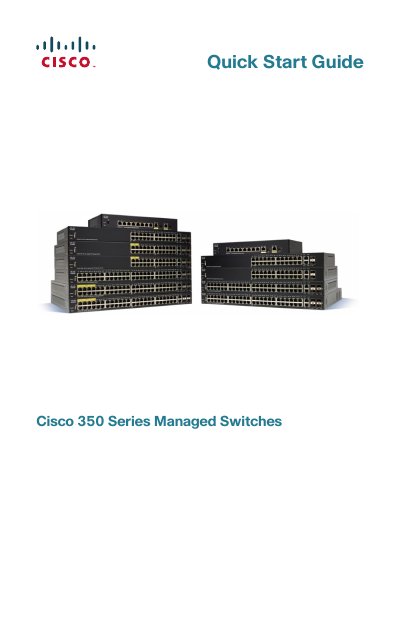

Cisco 350 Series Managed Switches Quick Start Guide - cover page
Brand
Cisco
Category
switch
Document type
Quick Start Guide
Language
English
Pages
16
File format
PDF
File size
887 KB
Published
17 October, 2023
Updated
17 October, 2023
MD5 checksum
7C5B1AEE2C72C00D5DA0F7BBDFA7D8F4

About this manual

This guide helps you install and configure Cisco 350 Series Managed Switches. It covers mounting options including desktop, rack, and wall mounting, connecting network devices with Ethernet cables, and configuring the switch via web-based interface or console port. Default settings include username and password as 'cisco', and IP address 192.168.1.254.

For PoE models, the guide details power requirements and warnings about false detection of other PoE switches as powered devices.

What's inside

  • Package Contents
  • Before You Begin
  • Mounting the Cisco 350 Series Switches
  • Connecting Network Devices
  • Power over Ethernet Considerations
  • Configuring the 350 Series Switches
  • Configuring Your Switch Using the Web-based Interface
  • Configuring Your Switch Using the Console Port

Specifications

Default Usernamecisco
PoE Standard Supported802.3af/at

Frequently asked questions

What is the default IP address for the Cisco 350 Series Switch?

The default IP address is 192.168.1.254 with a subnet of /24.

What are the default credentials for the console port?

The default username and password are both 'cisco'.

Download PDF (887 KB)

More Cisco Manuals


View all Cisco manuals →