
This is a My Passport external hard drive user manual, which introduces the use of the hard drive, including installation, use, maintenance and other contents
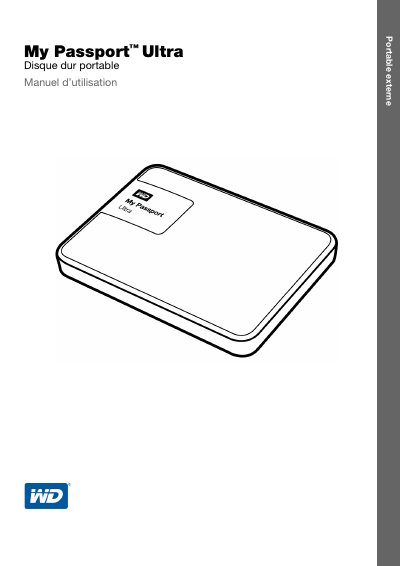
This manual covers setup, connection, file backup, restoration, and security features for the WD My Passport Ultra external hard drive. It includes instructions for using WD Backup software, cloud storage with Dropbox, and managing drive settings. The drive supports USB 3.0 for fast transfer speeds and offers local or cloud-based backup options.
The guide also explains how to format the drive, configure cloud services, and troubleshoot common issues. Safety precautions and warranty information are included for proper handling and support. This manual is written in French.
| Interface | USB 3.0 |
|---|---|
| Transfer Speed | Up to 3x faster than USB 2.0 |
| Backup Options | Local and Cloud (Dropbox) |
| Security Feature | Password protection with hardware encryption |
Connect the drive to a USB 3.0 port on your computer. The drive will be detected automatically.
Yes, the drive is compatible with Mac computers and can be used with the WD software.
The drive comes with 30 days of free telephone technical support during the warranty period.
Use the WD Restore function to recover files from the drive or from a backup.