
ASUS RT-N56U dual-band wireless-N gigabit router is ASUS's extreme performance router. It features 2.4GHz and 5GHz dual bands, supports HTTP, FTP, BT protocols for wireless HD streaming.
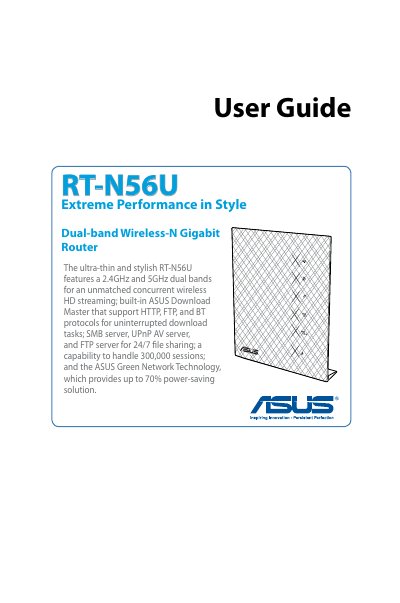
This user guide provides step-by-step instructions for setting up and configuring the ASUS RT-N56U wireless router. It covers network setup, wireless security, USB device management, and QoS settings. The guide also includes troubleshooting tips and contact information for ASUS support.
The RT-N56U features dual-band wireless (2.4GHz and 5GHz), ASUS Download Master for file sharing, and ASUS Green Network Technology for power-saving. It includes detailed diagrams of ports and LEDs for easy reference.
| Wireless Standard | Wireless-N |
|---|---|
| Wireless Bands | 2.4GHz and 5GHz |
| Simultaneous Dual-Band | Yes |
| Max Concurrent Sessions | 300,000 |
| Operating Temperature | 0~40°C |
| Storage Temperature | 0~70°C |
| Operating Humidity | 50~90% |
| Storage Humidity | 20~90% |
| DC Power Adapter | +19V 1.58A or +12V 2A |
Follow the steps in 'Setting up your wireless router' section, including positioning, wired/wireless connection, and web GUI login.
It supports HTTP, FTP, and BT protocols for uninterrupted download tasks.
Use the 'Monitoring your USB device' section to manage USB devices connected to the router.
Refer to the 'Troubleshooting' section for solutions to common problems.