
This manual describes the installation, connection and application of Vision Sensor BVS (Object Identification).
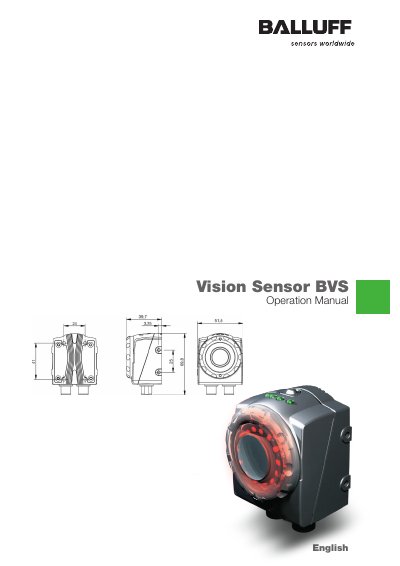
This manual provides step-by-step instructions for installing, configuring, and operating Balluff BVS vision sensors using the BVS ConVis software. It covers connecting the sensor to a PC, setting up inspections, teaching reference images, and configuring output signals. Safety warnings and technical specifications are included for proper use in industrial environments.
The manual applies to models BVS OI-3-00x-E and BVS OI-3-05x-E with firmware ST 2.2.1.x and software version 1.2 or higher. It assumes users have Windows XP and a compatible PC with Ethernet connectivity.
| Software Version | BVS ConVis version 1.2 and higher |
|---|---|
| Operating System | Windows XP |
| Connection Cable | BKS-S139-PU-05 for power and I/O, BKS-AD-05-RJ45/GS180-05 for PC connection |
The free BVS ConVis parameterization software is required for configuration and visualization.
Yes, once configured, the sensor can operate autonomously without a PC connection.