
This APX32 Security System User Guide introduces the features and characteristics of this product. It includes chapters on system overview, system functions, securing the premises, and user functions.
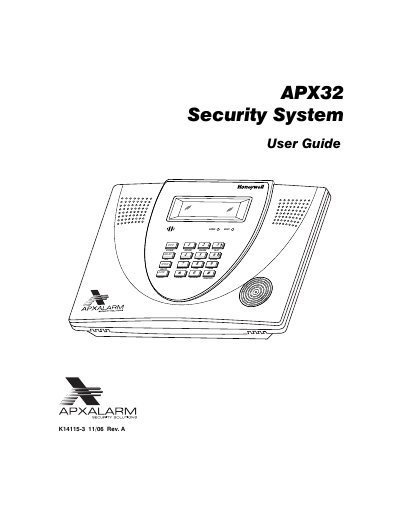
This manual explains how to operate the Honeywell APX32 security system, including arming and disarming modes, bypassing zones, panic keys, and scheduling features. It also covers system status checks, voice announcements, and two-way voice communication with a central monitoring station. The system supports burglary, fire, and emergency protection with customizable user codes and optional wireless keypads.
The system offers STAY and AWAY arming modes to protect either the perimeter only or the entire premises.
When an alarm occurs, the keypad and external sounders sound for about 15 seconds, then voice announcements of the zones in alarm begin, repeating until the system is disarmed or alarm bell timeout occurs.
Yes, the system can be controlled from a remote telephone and can operate as a speaker phone.