
This document is about the KODAK ESP C310 All-in-One Printer user manual. It introduces the components, control panel, installation of paper, printing, copying, scanning, and troubleshooting methods of the all-in-one printer.
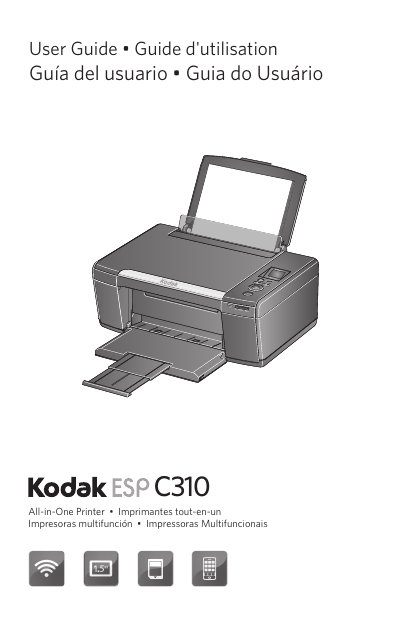
The Kodak ESP C310 All-in-One Printer combines ease-of-use and affordable inks to provide high-quality pictures and documents. This guide covers the printer's components, control panel features, and the Home Center Software for Windows and Mac OS users.
| Input tray capacity (plain paper) | 100 sheets |
|---|---|
| Input tray capacity (photo paper) | 20 sheets |
| Plain paper weight range | 16 to 24 lb / 60 to 90 gsm |
| Card stock weight | 110 lb / 200 gsm |
| Supported paper sizes | 4 x 6 in. / 10 x 15 cm to 8.5 x 14 in. / 22 x 36 cm |
The printer accepts SD Card, SDHC Card, MMC Card, and MEMORY STICK, as well as variations requiring an adapter.
Kodak warrants the product to be free from malfunctions and defects for one year from the date of purchase.
Use only a dry, soft cloth to clean the LCD screen; do not use any liquid or chemical cleaners.