
This is a user manual for Kodak alaris Software Kodak Capture Pro. It contains instructions on how to use the product, including how to get started, how to create new batches, and how to use jobs.
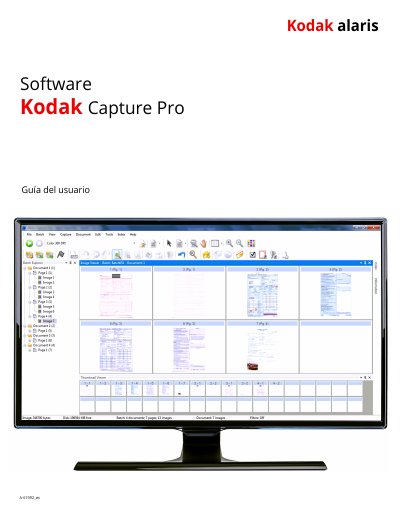
This document is the Spanish user guide for Kodak Capture Pro software, version A-61992_es, dated March 2022. It serves as a comprehensive manual for users to manage document scanning workflows, create and process batches, and edit scanned images. The guide covers essential procedures from initial setup and scanner selection to advanced features like Intelligent QC and data entry. This manual is written in Spanish.
| Document Types | color, blanco y negro y/o escala de grises |
|---|---|
| Hardware Requirement | No se requiere ninguna aceleración especial de hardware |
Double-click the Capture Pro software icon on the desktop or go to Start > Programs > Kodak > Software Kodak Capture Pro.
A Job is a configuration created to capture and process a set of documents to be scanned.