
This manual is the extended user guide for KODAK EASYSHARE Z980 digital camera, which details the functions and features of the camera
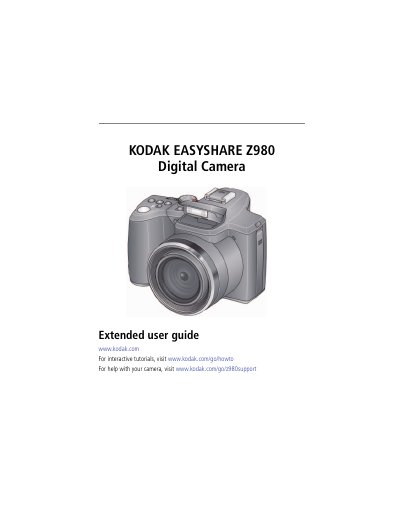
This guide provides step-by-step instructions for setting up the Kodak EASYSHARE Z980, including charging batteries, attaching a strap, and using the vertical grip. It covers taking photos and videos, editing images, transferring files, and troubleshooting common issues. The guide also includes camera specifications and safety information.
| Sensor | CCD— 1/2.3-type (4:3 aspect ratio) |
|---|---|
| Effective Pixels | 4112 x 3032 (12 MP) |
| Lens | 24X optical zoom lens, 26–624 mm (35 mm equivalent); f/2.8–f/8.0 |
| Image Stabilizer | CCD-shift |
| Digital Zoom | 5.0X continuous |
| Shutter Speed | Smart Capture: 1/2–1/2000 sec.; P , A, S, M: 16–1/2000 sec. |
| LCD Display | 7.6 cm (3 in.) color hybrid LCD; 230 K (960 x 240) dots; 30 fps |
| Internal Storage | 64 MB (47.5 MB available for image storage) |
| Focus System | TTL-AF (through-the-lens auto focus); Multi-zone AF , and Center-zone AF |
| Working Range | 0.7 m (2.3 ft)–infinity @ wide 2.5 m (8.2 ft)–infinity @ telephoto |
Charge KODAK Ni-MH Pre-Charged Rechargeable Batteries AA prior to use, and occasionally discharge them to depletion.
64 MB (47.5 MB available for image storage)
24X optical zoom lens, 26–624 mm (35 mm equivalent); f/2.8–f/8.0
Turn off the camera, attach and tighten the grip, turn on the camera, slide the Portrait switch, and use the Portrait Shutter button to take pictures.