
This is the user manual for KODAK DX3600 Zoom Digital Camera, which introduces the camera's various components, functions and usage methods.
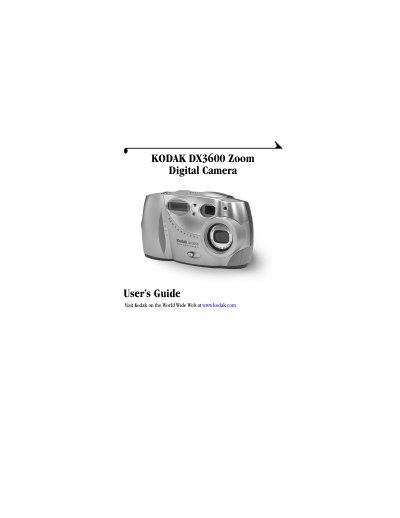
The Kodak DX3600 Zoom Digital Camera User's Guide provides instructions for operating the camera, including capturing still pictures and videos with audio. It details how to use the 2X optical and 3X digital zoom, manage internal memory or optional Picture Cards, and customize settings via the mode dial and menus.
The manual also explains how to transfer images and videos to a computer using the included USB cable or the optional KODAK Camera Dock. It includes sections on installing the software, troubleshooting common problems, and maintaining the device.
| Dimensions | 4.7 in. / 2 in. / 2.9 in. (120 mm/50 mm/74 mm) |
|---|---|
| Weight | 8.1 oz. (230 g) without batteries |
| LCD Screen | 1.8 inch (45.7 mm), color, 312 x 230 pixels |
| Zoom | 2X Optical zoom 3X Digital zoom |
| Internal Memory | 8 MB |
You can set the video length at 5, 15, or 30 seconds.
Yes, the self-timer is set to 10 seconds for both still and video capture.
The flash modes are Auto, Fill, Red-Eye, and Off.
Yes, you can connect the camera to a television using the included Audio/Video cable.