
This is a user guide for Kodak EASYSHARE Z950 digital camera.
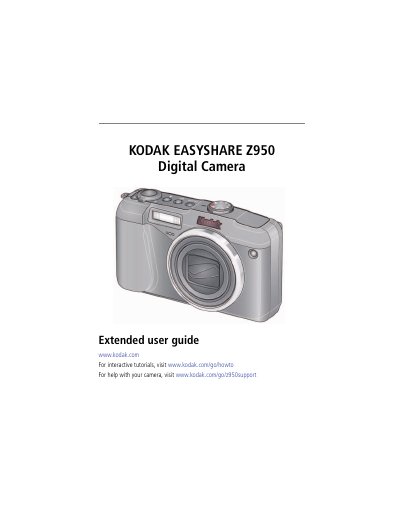
This guide helps you set up and use your Kodak EASYSHARE Z950 digital camera. It covers attaching the strap, charging the battery, taking photos and videos, using zoom and flash, and managing pictures. You’ll also learn how to transfer, print, and share your media. The manual includes troubleshooting and technical specifications for your camera.
| Sensor | 1/2.3-type (4:3 aspect ratio) |
|---|---|
| Effective Pixels | 4024 x 3012 (12 MP) |
| Lens | 10X optical zoom lens, 35–350 mm (35 mm equivalent); f/3.5–f/4.8 |
| Digital Zoom | 5.0X continuous |
| LCD | 7.6 cm (3.0 in.) color hybrid LCD; 230 K (960 x 240) dots; 30 fps |
| Internal Storage | 32 MB (20 MB available for image storage) |
| Maximum SD Card Size | 32 GB |
Use a KODAK USB Cable or a KODAK 5V AC Adapter. The battery charging light blinks while charging and stays steady when finished.
Up to 5 faces in Smart Capture mode, High-ISO, and some SCN modes.
The camera has 32 MB of internal storage, with 20 MB available for image storage.