
This document is the user guide for the KODAK ESP 5200 series all-in-one printer. It provides detailed information on the printer's components, control panel, paper types, paper sizes, loading plain paper, loading photo paper, basic functions (printing, copying, scanning), troubleshooting, safety and warranty information.
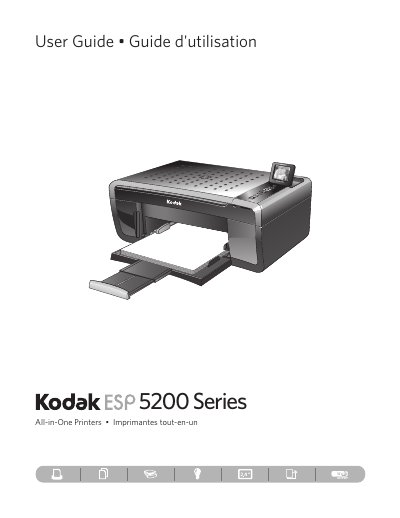
The Kodak ESP 5200 Series All-in-One Printer combines ease-of-use and affordable inks to provide high-quality pictures and documents. This guide details the printer's components, control panel functions, and the Home Center Software for managing tasks from a computer. It also explains how to load various paper types, including plain paper and photo paper, and how to print from memory cards.
| Plain paper capacity | 100 sheets |
|---|---|
| Photo paper capacity | 20 sheets |
| Plain paper weight | 20 to 24 lb / 75 to 90 gsm |
| Card stock weight | 110 lb / 200 gsm, max |
| Supported paper sizes | 4 x 6 in. / 10 x 15 cm to 8.5 x 14 in. / 22 x 36 cm |
The printer accepts SD Card, SDHC Card, MMC Card, and MEMORY STICK, as well as variations requiring an adapter.
Insert the photo paper with the logo side facing up and the glossy side down, then move it forward until it stops.
Contact Kodak immediately if the LCD screen is damaged.