
Kodak ESP C315 All-in-One Printer Extended User Guide

This document is a user guide of Kodak ESP C315 all-in-one printer
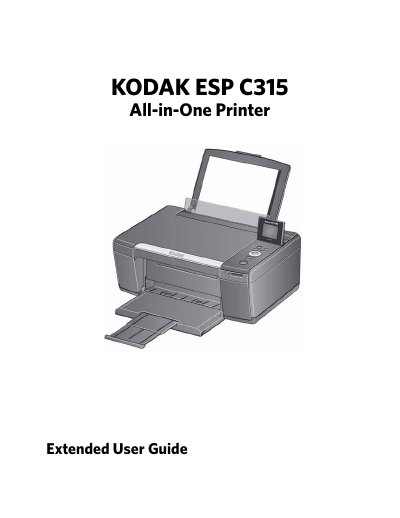

Kodak ESP C315 All-in-One Printer Extended User Guide - cover page
Brand
Kodak
Category
Printer
Document type
User Manual
Language
English
Pages
95
File format
PDF
File size
963 KB
Published
17 October, 2023
Updated
17 October, 2023
MD5 checksum
E4F85C115C51E761B640B3A706351C33

About this manual

This document serves as an extended user guide for the Kodak ESP C315 all-in-one printer. It provides detailed instructions on using the printer's core functions, including printing documents and photos, copying, and scanning from the control panel or a computer. The guide also covers mobile printing options via Google Cloud Print and KODAK Email Print Service.

What's inside

  • Printer Overview
  • Networking Your Printer
  • Online Printer Management Tool
  • Handling Paper
  • Printing
  • Mobile Printing
  • Copying
  • Scanning
  • Maintaining Your Printer
  • Troubleshooting

Specifications

Product TypeAll-in-One Printer
FunctionsPrint, Copy, Scan
ConnectivityWi-Fi, USB

Frequently asked questions

Can I print using Google Cloud Print?

Yes, you can register your printer with Google Cloud Print to enable printing from online services.

How do I replace the ink cartridges?

The guide provides specific instructions on how to replace the ink cartridges in the printer.

Download PDF (963 KB)

More Kodak Manuals


View all Kodak manuals →