
KODAK AZ401 Digital Camera User Manual

This document is the user manual of KODAK PIXPRO AZ401 digital camera, which mainly includes the safety use, use instructions, maintenance and maintenance of the camera.
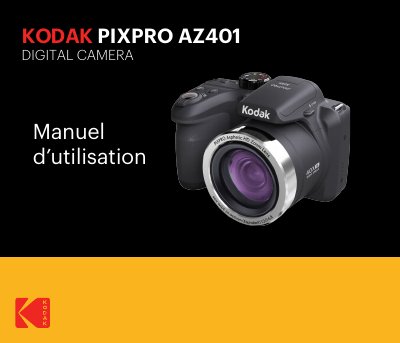

KODAK AZ401 Digital Camera User Manual - cover page
Brand
Kodak
Document type
User Manual
Language
French
Pages
105
File format
PDF
File size
9.5 MB
Published
17 October, 2023
Updated
17 October, 2023
Model
AZ401
MD5 checksum
799C0A5B3DFEF8C78D332A1C13F68BD2

About this manual

This manual provides instructions for safely using and operating the KODAK AZ401 digital camera. It covers safety precautions, initial setup, shooting modes, menu navigation, and photo/video playback. Sections include handling, battery and memory card care, exposure settings, and troubleshooting tips for common issues. This manual is written in French.

What's inside

  • Safety Precautions
  • Unboxing and Setup
  • Shooting Modes
  • Menu Operations
  • Photo and Video Playback
  • Battery and Memory Card Care
  • Exposure Settings
  • Troubleshooting

Frequently asked questions

What should you do if water accidentally contacts the camera?

Turn off the camera, remove the battery and memory card, and dry it within 24 hours.

How long should you rinse your eyes if liquid crystals from the LCD screen contact them?

Rinse your eyes immediately and abundantly with water for at least 15 minutes.

What must you do to the memory card before using it or inserting a new one?

You must format the memory card using the digital camera.

Download PDF (9.5 MB)

More Kodak Manuals


View all Kodak manuals →