
This manual introduces the use of Kodak EasyShare DX4530 digital camera, including the installation of accessories, use of modes, taking pictures, playback, sharing, etc.
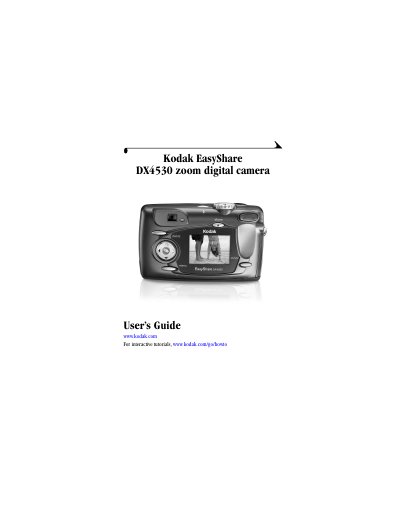
This manual provides step-by-step instructions for using the Kodak EasyShare DX4530 digital camera, including how to install software, attach accessories, take photos and videos, review media, and troubleshoot issues. It also covers camera specifications, settings, and connectivity options.
The guide includes detailed explanations of camera controls, modes, and features such as optical zoom, flash settings, and menu customization. It also explains how to connect the camera to a computer, transfer media, and use optional accessories like the Camera Dock II.
| Camera screen | Transmissive reflective LCD with anti-glare coating; 1.8 in. (45.7 mm); color; 72,000 pixels |
|---|---|
| Preview rate | 20.4 fps |
| File format | Still JPEG/EXIF v2.2 |
| Dimensions | Width 4.3 in. (110.5 mm), Depth 1.5 in. (39.0 mm), Height 2.6 in. (66.0 mm) |
| Weight | 7.4 oz (210 g) with battery and card |
| Exposure control | Multi-pattern TTL-AE with program modes (Standard, Sport, Night, Long Time Exposure, Exposure Compensation) |
| Flash Modes | Auto, Fill, Red-eye, Off |
| Charging Time | < 7 seconds with charged battery |
Turn the camera on by pressing the shutter button or the power switch.
The camera screen is 1.8 inches (45.7 mm) with 72,000 pixels.
Connect the camera to a computer using a USB cable or the Camera Dock II.
The camera weighs 7.4 oz (210 g) with battery and card.