
This manual introduces the use of KODAK PROFESSIONAL RFS 3600 Film Scanner.
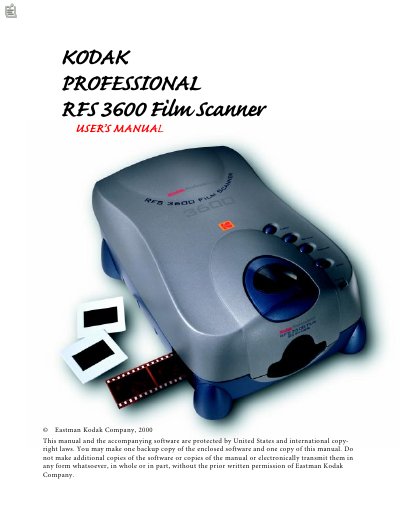
This manual provides step-by-step instructions for setting up and using the Kodak RFS 3600 film scanner. It covers connecting the scanner to a computer via SCSI or USB, installing software, loading filmstrips and slides, and using the scanning software to adjust settings like resolution, color balance, and output size. It also includes safety precautions, troubleshooting, and technical specifications.
The manual is structured with sections for hardware, software, scanning operations, and maintenance. It includes detailed reference guides for the software interface, settings tabs, and image manipulation tools, as well as a glossary and index for quick navigation.
| Model | RFS 3600 |
|---|---|
| Manufacturer | Eastman Kodak Company |
| Document Type | User Manual |
| Year | 2000 |
You can connect the scanner using a SCSI cable or a USB cable. The manual provides detailed steps for both connections.
The manual includes instructions for installing the scanner software, which is required to operate the scanner.
You can adjust color settings using the Color Balance and Levels & Curves tabs in the software.