
This document is the user manual of Kodak EASYSHARE DX3900 Zoom digital camera.
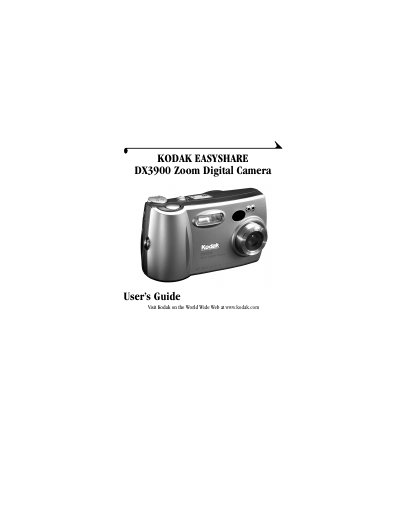
This manual provides step-by-step instructions for using the Kodak DX3900 Zoom digital camera. It covers how to take pictures, review and delete photos, adjust settings like ISO, white balance, and exposure compensation, and transfer images to a computer. It also includes troubleshooting tips and information on accessories and software.
The camera features a 3.1 megapixel sensor, optical zoom, and a built-in flash. It supports CompactFlash cards and includes a USB connection for transferring images. The manual explains how to use the camera’s modes (Capture, Review, Setup), navigate menus, and customize settings for optimal photo quality.
| Pixel Resolution | 3.1 MP (2160 x 1440) |
|---|---|
| ISO Sensitivity | Automatic (100 - 400) / Selectable (100, 200, 400) |
| Flash Range | Wide 1.6 to 10.5 ft (0.5 to 3.2 m), Telephoto 1.6 to 7.5 ft (0.5 to 2.3 m) |
| Tripod Socket | .25 in. (.006 m) threaded |
| Video Out | NTSC or PAL |
| Operating Temperature | 32 to 104 °F (0 to 40°C) |
Install the software to transfer, share, print, or edit pictures. You can also run slide shows or add effects.
Automatic (100–400) or selectable (100, 200, 400).