
This is a user guide for Kodak EasyShare C340 zoom digital camera. It introduces how to use the camera's functions, including how to install batteries, set date and time, take pictures, store pictures, etc.
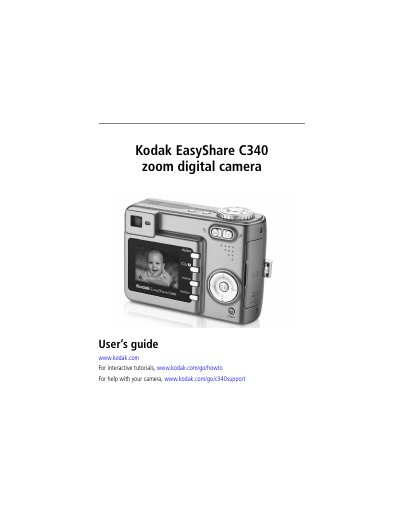
This user guide explains how to set up and operate the Kodak EasyShare C340 digital camera. It covers attaching the wrist strap, loading batteries, setting date and time, storing images on SD or MMC cards, taking photos and videos, reviewing media, transferring files via USB, printing, and troubleshooting common issues. The guide also includes camera specifications and support resources.
| Sensor | CCD 1/2.5 in. CCD, 4:3 aspect ratio |
|---|---|
| Output image size | 2576 x 1932 (5 M) pixels |
| Display | 1.6 in. (4 cm) color hybrid LCD, 312 x 230 (72 K) pixels |
| Lens | 3X optical zoom, aspheric all-glass Kodak Retinar lens, f/2.7–4.6 |
| Focus system | TTL-AF; auto, Multi-zone, Center-zone |
| Digital zoom | 1.2X–5X |
The camera has a 1.6-inch color hybrid LCD with a resolution of 312 x 230 pixels.
Use the USB cable to transfer pictures from the camera to a computer.
The camera has a 3X optical zoom, equivalent to 34–102 mm in 35mm format.