
This user guide provides detailed information about the Kodak EasyShare V1073/V1273 digital camera. It includes descriptions of the camera's various components, how to set up the camera, how to take pictures/videos, and how to work with pictures/videos.
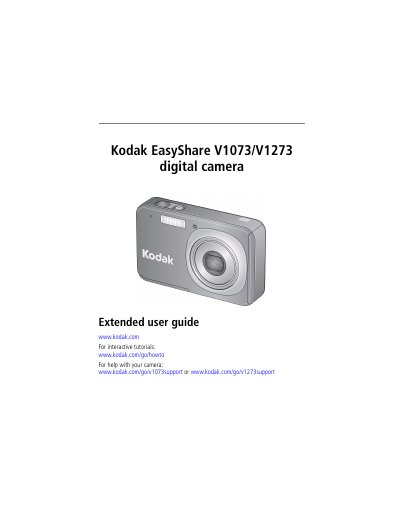
This document serves as an extended user guide for the Kodak EasyShare V1073 and V1273 digital cameras. It covers essential setup procedures such as attaching the strap, loading the KLIC-7004 battery, and configuring the touch screen. The guide also details how to store pictures on SD or SDHC cards and provides comprehensive instructions for taking pictures and videos using various modes and features like the 3X optical zoom and flash.
| Optical Zoom | 3X |
|---|---|
| LCD Screen | 3 in. with touch screen input |
| Internal Memory | 32 MB |
| Image Storage | Optional SD or SDHC Card |
| Video Codec | MPEG-4 |
Connect the cable to the camera and charge until the Battery Charging light stays on.
The camera supports optional SD or SDHC cards for storing pictures.
Connect the camera to a powered USB port on the computer using the USB cable.