
This guide introduces the features and characteristics of the Kodak EasyShare M1033/M2008 digital camera. The guide includes an overview of the product, settings, taking pictures and videos, etc.
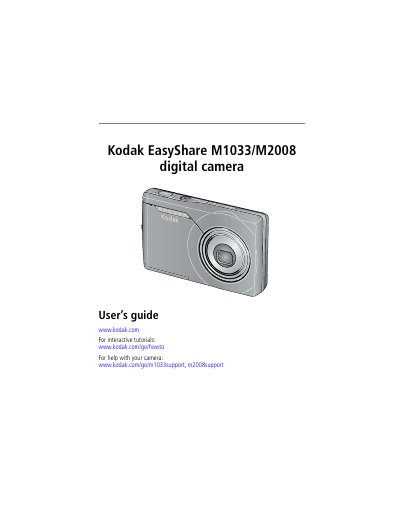
This guide explains how to set up and operate the Kodak EasyShare M1033/M2008 digital camera, including attaching the strap, loading and charging the battery, and setting language and date/time. It covers taking pictures and videos, using modes and zoom, reviewing and editing media, transferring files, and troubleshooting common issues. Specifications such as sensor, zoom, and storage are also included.
| Sensor | 1/2.3 in. CCD |
|---|---|
| ISO Speed | Auto (in Smart Capture): 64–1600; Manual: 64, 100, 200, 400, 800, 1600, 3200, 6400 |
| Lens | 3X optical zoom; f/3.1 (@ wide)–f/5.7; 35 mm equivalent: 35–105 mm |
| Digital Zoom | 5X continuous |
| Shutter Speed | 8–1/1448 seconds |
| LCD | 3 in. (7.6 cm) LCD; 230K pixels; 30 fps |
| Internal Storage | 32 MB (21.1 MB available for image storage) |
| Image File Format | Still: EXIF 2.21 (JPEG compression); Video: QuickTime (video: CODEC MPEG-4; audio: G.711) |
The camera has a 3-inch (7.6 cm) LCD with 230K pixels and 30 fps refresh rate.
Auto ISO range: 64–1600; Manual ISO options: 64, 100, 200, 400, 800, 1600, 3200, 6400 (ISO 6400 available for 3.1 MP or less).