
This is an instruction manual for the Celestron TetraView TM LCD digital microscope, which provides a magnification of up to 400x and is mainly suitable for the observation of yeasts and molds, cultures, plant and animal tissues, fibers, bacteria, and more.
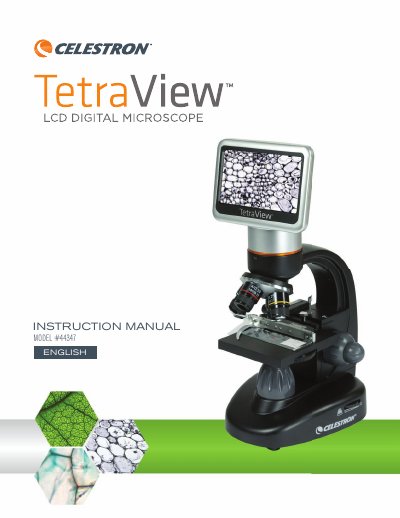
The Celestron TetraView LCD Digital Microscope is a precision optical instrument featuring a 4.3-inch touch screen monitor and a 5MP camera sensor. It replaces traditional eyepieces, allowing users to view specimens directly on the screen or via an AV/TV cable. The device includes four objective lenses (4x, 10x, 20x, 40x) and offers magnification from 40x up to 1600x with digital zoom.
| Digital Camera Sensor | 5 MP 1/2.5" CMOS |
|---|---|
| LCD Monitor Size | 4.3 in. (109 mm) |
| LCD Resolution | 480 x 272 pixels |
| Objective Lenses | 4x, 10x, 20x, 40x |
| Memory | 8 GB SD card |
| Illuminator | LED 6 Volt and 6 Watt |
| Stage Dimensions | 3.5 in x 3.5 in (88 mm x 88 mm) |
| Power Input | Universal 100 to 240 Volt 50/60HZ |
The maximum magnification is 1600x when using the 40x objective lens with the 4x digital zoom feature.
You need 4 AA batteries, which can provide up to 3 hours of usage.
The filter wheel includes Red, Green, Blue, and three different hole sizes (1 mm, 3 mm, 6 mm).