
This is a quick reference guide for Toshiba CIX STRATA DP5000 series telephones. It introduces the features and characteristics of this product.
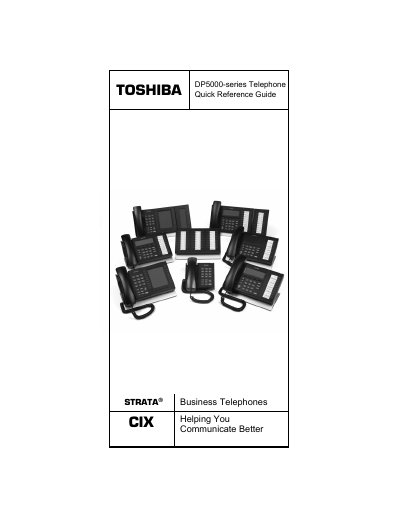
This document serves as a quick reference guide for the Toshiba DP5000-series business telephones, including the Strata CIX models. It provides essential information on hardware layout, such as programmable feature buttons, LCD displays, and status LEDs. The guide details how to customize personal preferences like volume, LCD contrast, and backlight settings.
| Programmable Feature Buttons | 10 or 20 |
|---|---|
| LCD Display | 9-Line or 4-Line |
| Max Speed Dial Digits | 32 digits |
During a call, press down Vol & or Vol W. When you hang up, volume returns to default.
While on a call, press the Hold button twice to place the call on Exclusive Hold.
Dial #9876, press a One Touch button, enter the number, and press the One Touch button again.