
This is the installation manual for Antec Skeleton case
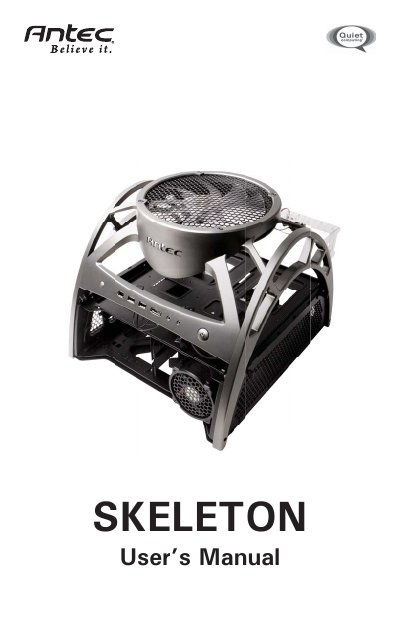
The Antec Skeleton is an open-air computer enclosure designed for high-performance computing, featuring an innovative design that allows for the installation of up to three 11-inch PCI-E graphics cards. The case consists of a main Component Tray and a Frame, facilitating easy access to internal components for installation and maintenance. It supports Mini-ITX, MicroATX, and Standard ATX motherboards.
| Case Type | Open Case Design |
|---|---|
| Weight | 15.5 lbs / 7 kg |
| Cooling Fans | 1 x Super Big Boy 250mm Multi-LED Fan, 1 x 92mm Hard Drives Fan |
| Drive Bays | 2 x Quick Release 5.25" Bays, 2 x Quick Release 3.5" Bays, 4 x Externally Mounted 3.5" Bays |
| Motherboard Support | Mini-ITX, MicroATX, Standard ATX |
No, the Antec Skeleton comes without a power supply. Users must choose a compatible power supply separately.
Yes, the case is 3-way SLI ready, providing enough space to install up to three 11-inch PCI-E graphics cards.
No, you do not need to install an I/O panel because the motherboard should come with one.