
isk 310-150 user's manual, introduces the appearance, technical parameters and installation steps of the product
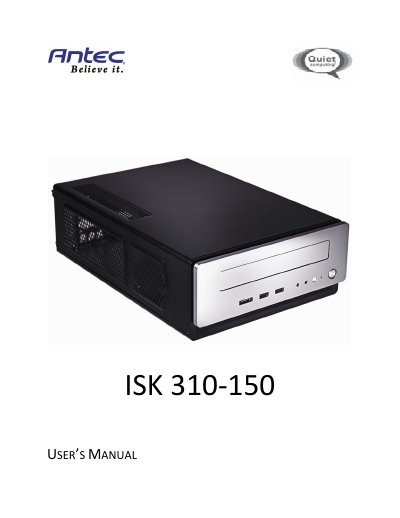
The Antec ISK 310-150 is a silver Mini-ITX desktop case featuring dimensions of 96mm (H) x 222mm (W) x 328mm (D). It includes an FP-150 power supply, one external slim optical drive bay, and two internal 2.5" drive bays. The system is cooled by a pre-installed 80x25mm TriCool™ exhaust fan with three-speed control.
| Case Type | Mini-ITX Desktop |
|---|---|
| Dimensions | 96mm (H) X 222mm (W) X 328mm (D) |
| Net Weight | 5.5 lb / 2.5 kg |
| Cooling Fan Size | 80 x 25mm TriCool™ fan |
| Drive Bays | 1 External 5.25" slim, 2 Internal 2.5" |
| Total Continuous Power | 150W |
The FP-150-8 power supply provides a total continuous output of 150W.
The case includes three drive bays: one external slim optical bay and two internal 2.5" bays.
The default speed setting for the fan is Low.