
Antec Atlas 550 Quiet Mini Server Case User's Manual

This manual describes the features and use of the Atlas 550 Quiet Mini Server Case.
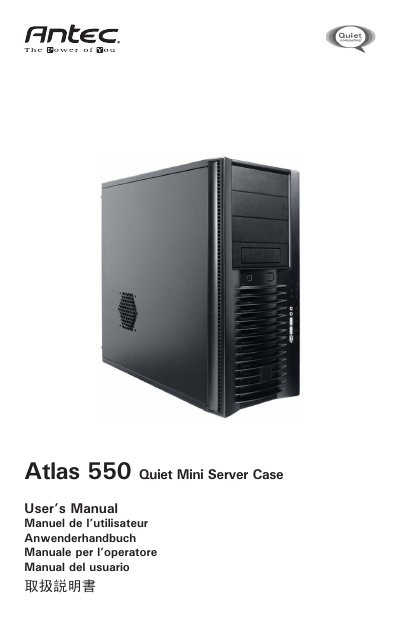

Antec Atlas 550 Quiet Mini Server Case User's Manual - cover page
Brand
Antec
Category
Servers Computer
Document type
User Manual
Language
English
Pages
8
File format
PDF
File size
82 KB
Published
16 October, 2023
Updated
16 October, 2023
MD5 checksum
D486FBE6E4057F8E16085D3B7E8EE12C

About this manual

This manual provides instructions for setting up and using the Antec Atlas 550 Quiet Mini Server Case. It covers the installation of the motherboard, power supply connections, and various drive bays. The case includes a TruePower Trio 550 Watt power supply unit and a rear TriCool fan.

What's inside

  • Setting Up
  • Installing the Motherboard
  • Connecting the Power and LED
  • Connecting the USB Ports
  • Connecting the IEEE 1394 Port
  • Connecting the Audio Ports
  • 3.5" Device Installation
  • 5.25" Device Installation
  • Cooling System

Specifications

Power SupplyTruePower Trio 550 Watt
Fan Size120mm x 120mm x 25.4mm
Fan Rated VoltageDC 12V
Fan Max Speed2000 RPM

Frequently asked questions

Does the case include a power supply?

Yes, the case comes with a TruePower Trio 550 Watt power supply unit.

What is the maximum fan speed?

The maximum fan speed is 2000 RPM.

How many hard drives can be mounted?

You can mount four hard drives using the trays inside the hard disk cage.

Download PDF (82 KB)

More Antec Manuals


View all Antec manuals →