
This document is about Atlas Quiet Mini Server Case product user manual.
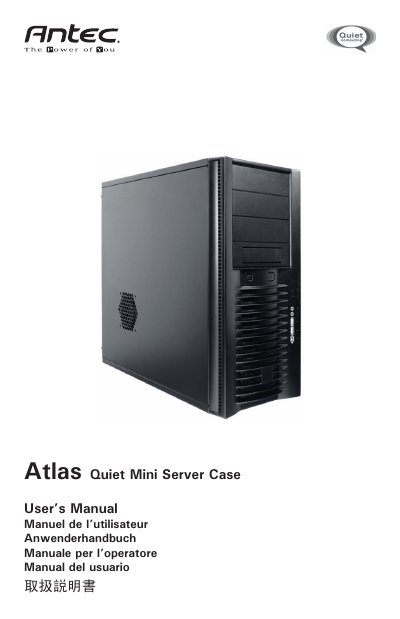
The Antec Atlas Quiet Mini server case features a built-in 550-watt EPS12V power supply with a main power switch and soft-on/off functionality. This manual covers the initial setup, including verifying voltage settings for different regions and removing the side panel and front bezel.
| Power Supply | 550 Watt EPS12V |
|---|---|
| Power Supply Model | Antec TruePower 2.0 (TP2-550BPS12V) |
| Power Connector | 4-pin detachable 24-pin main power connector |
Check the red switch on the power supply before installation to match your region's voltage (115V for North America/Japan, 230V for Europe/others).
Turn the main power switch to the off (0) position to resolve the issue and restart the computer.