
The ISK 300-150 User's Manual introduces the case's specifications, installation instructions, front I/O port connections, and cooling system.
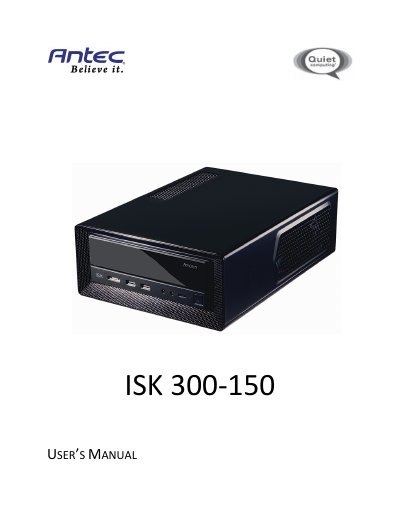
The Antec ISK 300-150 is a compact Mini-ITX desktop computer enclosure designed to house small form factor systems. It features specific hardware configurations including an internal FP-150-8 power supply, two internal 2.5" drive bays, and one external slim optical drive bay.
The document details the complete hardware installation process, covering the removal of panels and trays, mounting the motherboard, installing internal hard drives, and connecting front I/O ports for USB, eSATA, audio, and switches.
| Case Type | Mini-ITX Desktop |
|---|---|
| Dimensions (H x W x D) | 96mm X 222mm X 328mm |
| Net Weight | 5.5 lb / 2.5 kg |
| Drive Bays | 1 x External 5.25" slim, 2 x Internal 2.5" |
| Expansion Slots | 1 x half-height slot |
| Power Supply Model | FP-150-8 |
| Total Continuous Power | 150W |
The case is designed for Mini-ITX motherboards.
It includes three drive bays: one external slim optical bay and two internal 2.5" HDD bays.