
This is a user manual for p193v3 case, which covers the hardware installation and appearance introduction
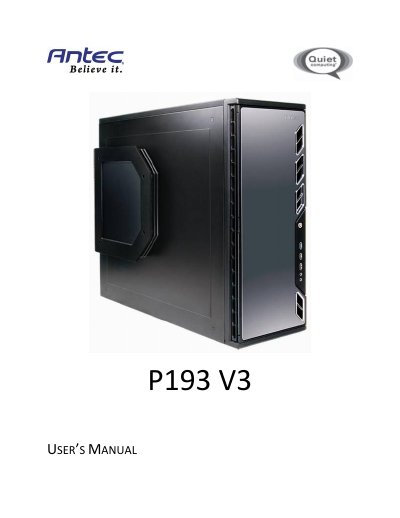
This manual provides instructions for setting up the Antec P193 V3 Advanced Mid Tower computer case. It covers the installation of the power supply, motherboard, and various drive bays including 5.25", 3.5", and 2.5" devices. The guide also details cable management and the configuration of the cooling system.
| Case Type | Advanced Mid Tower |
|---|---|
| Dimensions | 20.3" (H) x 8.1" (W) x 23.3" (D) |
| Weight | 43.2 lbs / 19.6 kg |
| Expansion Slots | 7 |
| Motherboard Size Support | Mini-ITX, microATX, Standard ATX, Extended ATX |
| Front I/O Panel | 2 x USB 2.0, 1 x USB 3.0, AC'97 / HD Audio |
No, the P193 does not come with a power supply unit (PSU).
Antec recommends their CP Series, TruePower Series, or Signature Series power supplies.
The case has 11 drive bays in total: 4 external 5.25", 1 external 3.5", 6 internal 3.5", and 2 internal 2.5".