
This manual introduces the installation method of Antec Nine Hundred Two V3 case.
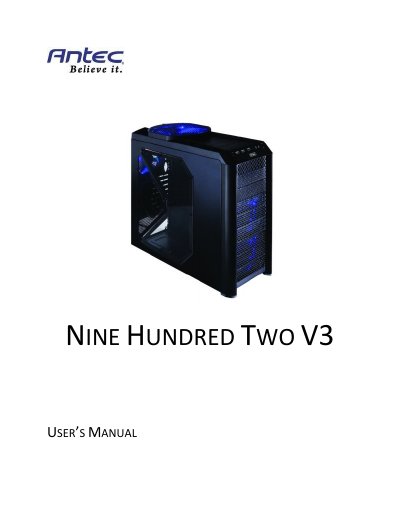
This manual provides instructions for setting up the Antec Nine Hundred Two V3 mid-tower computer case. It details the installation of the power supply, motherboard, and various drive bays, including support for 2.5-inch SSDs and water cooling platforms. The guide also covers the configuration of the Flexi-Drive Bay System and the three-way SLI expansion slot setup.
| Case Type | Mid Tower |
|---|---|
| Dimensions | 19.3" (H) x 8.7" (W) x 18.5" (D) |
| Weight | 25.4 lbs / 11.5 kg |
| Expansion Slots | 8 expansion slots |
| Motherboard Size Support | Mini-ITX, microATX, Standard ATX |
| Front I/O Ports | 2 x USB 2.0, 1 x USB 3.0 |
| Included Fans | 1 x Top 200 mm, 2 x Front 120 mm, 1 x Rear 120 mm |
No, the case comes without a power supply. You must choose a compatible power supply with a long enough power harness.
The case supports up to 9 external 5.25" drive bays and up to 6 internal 3.5" drive bays.
Yes, it includes a 5.25" metal plate designed to mount water-cooling kit components like a pump or reservoir.