
This document describes how to install and connect Sony HT-S20R Home Theatre System, including how to connect TV, mount bar speaker and surround speakers
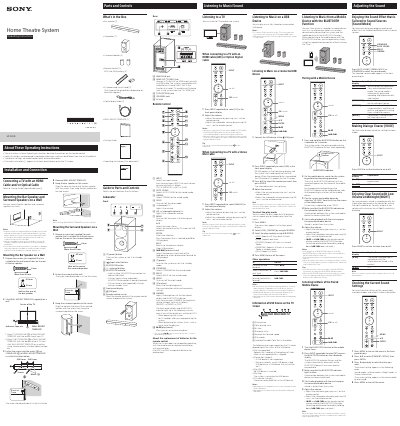
This document provides operating instructions for the Sony HT-S20R Home Theatre System. It details the contents of the box, including the bar speaker, subwoofer, and surround speakers, and explains how to mount these components on a wall using the supplied template and screws.
The guide covers various listening modes, including connecting to a TV via HDMI (ARC) or Optical cable, listening to music from a connected USB device, and streaming audio from a mobile device using the Bluetooth function. It also describes the functions of the remote control and the front panel buttons.
| Bluetooth Pairing Limit | Up to 10 devices |
|---|---|
| Remote Battery Type | 2 x R03 (size AAA) |
The passkey is '0000'.
Press the INPUT button repeatedly to cycle through sources: [TV], [ANALOG], [BT], and [USB].