
Thermo Scientific Fluoroskan FL, Fluoroskan and Luminoskan User Manual

This document provides information on the operation of the Fluoroskan™ FL, Fluoroskan™ and Luminoskan™.
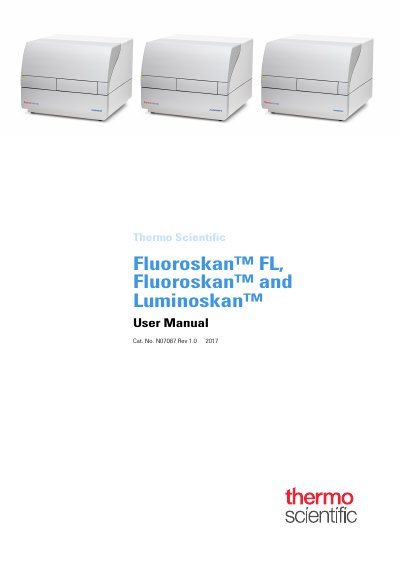

Thermo Scientific Fluoroskan FL, Fluoroskan and Luminoskan User Manual - cover page
Brand
Thermo Scientific
Document type
User Manual
Language
English
Pages
47
File format
PDF
File size
2.8 MB
Published
16 October, 2023
Updated
16 October, 2023
MD5 checksum
789F41CD0177FF16BAD66085534A39CA

About this manual

Thermo Scientific Fluoroskan FL, Fluoroskan, and Luminoskan are microplate readers controlled by SkanIt Software. The instruments feature an incubator for temperature control up to 45°C and a plate shaking capability with orbital shaking mode. They can also be equipped with dispensers for automatic reagent addition.

What's inside

  • Introduction
  • Install the Instrument
  • Install SkanIt Software
  • Instrument Operations
  • Using SkanIt Software
  • Safety and Maintenance

Frequently asked questions

What types of measurements can the Fluoroskan FL perform?

The Fluoroskan FL is a combination instrument that includes both fluorometry and luminometry.

What is the maximum temperature the instrument's incubator can reach?

The instrument has an incubator for temperature control up to 45°C.

What are the operating temperature requirements for the instrument?

The instrument must operate within a temperature range of 10 °C to 40°C.

Download PDF (2.8 MB)

More Thermo Scientific Manuals


View all Thermo Scientific manuals →