
This file is the LYNX Touch L5210 Series Security System User Guide, which introduces the features and characteristics of the series and how to use them.
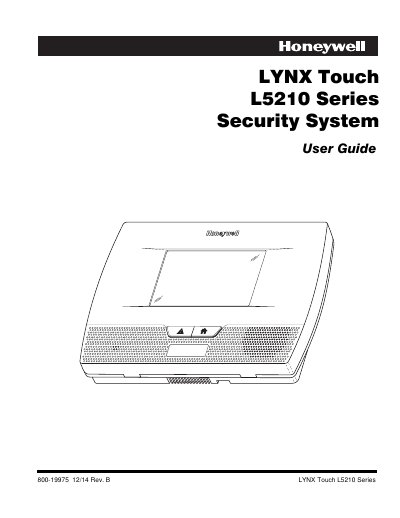
The Honeywell LYNX Touch L5210 Series is a security system offering burglary, fire, and emergency protection. It utilizes a touch screen control to manage various functions including arming modes (Stay/Away), panic keys, and two-way voice communication with central stations.
Key features include real-time clock display, message recording and playback, WiFi configuration for remote services like TotalConnect, and video camera control capabilities when equipped with the appropriate module. The system supports multiple security codes and automation schedules.
The system offers three forms of protection: burglary, fire, and emergency.
The LYNX Touch internal sounder will sound for about 15 seconds before voice announcements begin.
Yes, the system is capable of operating as a speaker phone allowing hands-free telephone conversation.