
This manual is for guiding users to use TSC-116W-G2, TSC-80W-G2, TSC-55W-G2 touchscreen controller properly
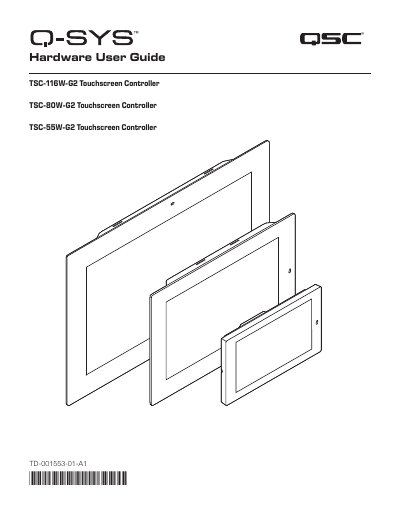
This document serves as the Hardware User Guide for the QSC TSC-G2 series of Touchscreen Controllers, specifically the TSC-55W-G2, TSC-80W-G2, and TSC-116W-G2 models. It provides detailed instructions on package contents, safety information, and regulatory compliance statements.
| Display Size (TSC-55W-G2) | 5.5 in (139.7 mm) diagonal |
|---|---|
| Display Size (TSC-80W-G2) | 8.0 in (203.4 mm) |
| Display Size (TSC-116W-G2) | 11.6 in (294.6 mm) |
| Power Input (TSC-55W-G2) | 24VDC / 0.5A |
| Power Input (TSC-80W-G2) | 24VDC / 1A |
| Interface | RJ45 – Q-LAN / PoE |
It alerts the user to the presence of un-insulated dangerous voltage within the product's enclosure that may constitute a risk of electric shock.
No, you cannot mount the TSC-55W-G2 in a landscape orientation when the junction box is in a portrait orientation.
You can visit the QSC, LLC. website at www.qsc.com for a copy of the warranty.