
This file is the user manual for LaCie LaCinema Rugged. It introduces the product's usage methods, including connecting to a computer, connecting to a TV, uploading files, and playing files.
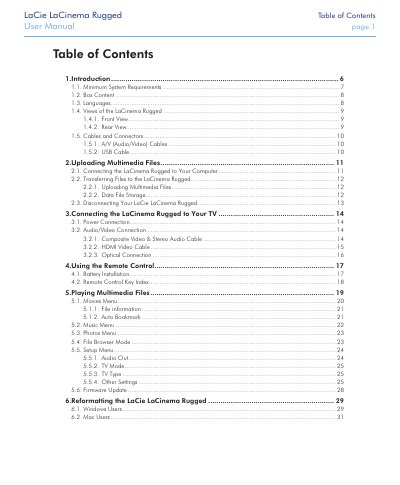
The LaCie LaCinema Rugged is a portable multimedia device designed for instant playback of stored home movies, music, and photos. It connects directly to various audio/visual equipment such as TVs using composite video, component video, HDMI, or optical connections. The manual details how to upload files from a computer, configure settings via the remote control, and navigate different media menus.
| Supported Photo Formats | JPEG (up to 8MP), BMP, PNG, GIF |
|---|---|
| Supported Audio Formats | WMA, MP3, MPEG-4 (AAC), AC3, OGG |
| Power Requirements | 100-240 V~, 1.5 A, 60-50 Hz |
| Operating Temperature Range | 5° C to 30° C (41° F to 86° F) |
| Minimum RAM | 256MB |
Mac users require a G4 or later processor, Mac OS X, 256MB RAM, and a USB interface port.
Windows users require a 500MHz Intel Pentium II processor or later, Windows 2000/XP/Vista, 256MB RAM, and a USB interface port.