
This manual provides information on the functions and operation of the LaCie Rugged Secure external hard drive.
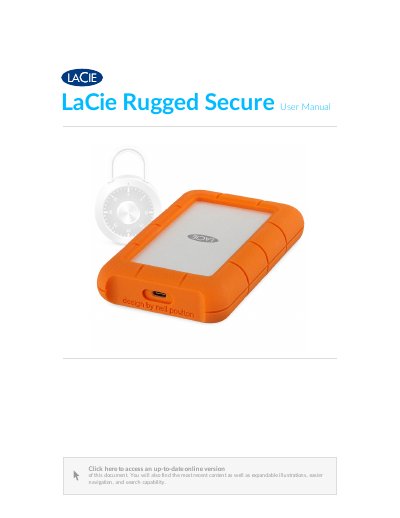
This manual provides instructions for setting up and using the LaCie Rugged Secure external hard drive. It details how to connect the device using the included USB-C cable and install the required Toolkit software to enable AES-256 hardware encryption and manage backups. The guide also explains how to use the drive with macOS and Windows systems, as well as compatible iPads.
| Ingress Protection Rating | IP 52 |
|---|---|
| Drop Protection Height | 1.2 meters / 4 feet |
| USB Protocol | USB 3.1 Gen 1 |
| Encryption Standard | Seagate Secure 256-bit encryption |
| Minimum Free Disk Space | 600MB recommended |
The LaCie Rugged SECURE is rated IP 52, offering protection against dust and water drops.
You must install the Toolkit app and follow the onscreen instructions to password-protect the device.
Yes, the device is compatible with USB 3.0 ports, but transfer rates will be slower.
Ensure you enter the secure code (SID) in uppercase letters as it is case-sensitive.