
This manual introduces the main functions, usage methods and installation steps of easyE4 controller.
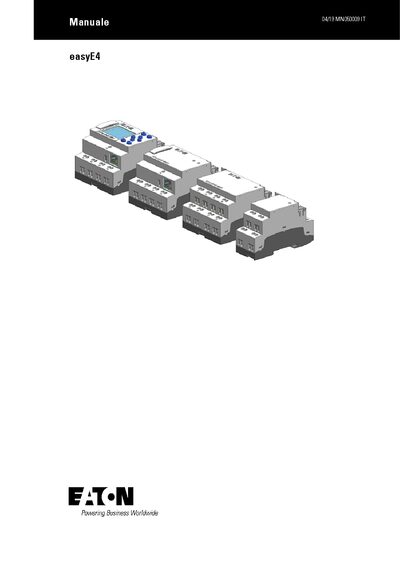
This manual explains the safe installation and operation of the easyE4 controller. It stresses that only qualified electricians may install the device, power must be removed, and proper earthing is required before any work.
The guide covers mechanical mounting, wiring of digital and analog inputs, relay and transistor outputs, Ethernet networking, and programming with the easySoft 7 software. It also includes troubleshooting, maintenance, and regulatory compliance information. This manual is written in Italian.
| Display backlight | color |
|---|---|
| Keyboard | present |
| Digital inputs | available |
| Analog inputs | available |
| Relay outputs | available |
| Transistor outputs | available |
Installation must be performed by a qualified electrician, the device must be de‑energized, properly grounded, and all live parts must be isolated before any work.
The easyE4 controller is programmed with the easySoft 7 software, which can be run on a PC and used to create, edit, and transfer programs.