
This manual is the installation guide for Maxtor Personal Storage 3100. It introduces the hardware and operating system requirements for installation, as well as the installation steps.
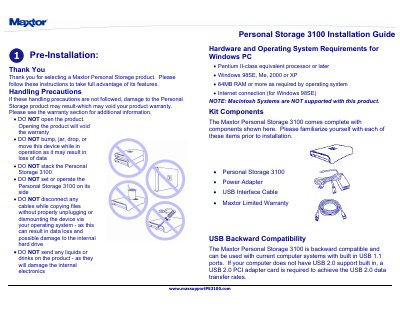
This guide provides instructions for installing and setting up the Maxtor Personal Storage 3100 external hard drive on Windows PCs. It covers hardware precautions, power and USB cable connections, and the installation of necessary software drivers for various Windows operating systems, including Windows 98SE, Me, 2000, and XP.
| Processor Requirement | Pentium II-class equivalent processor or later |
|---|---|
| RAM Requirement | 64MB RAM or more |
| Compatible OS | Windows 98SE, Me, 2000 or XP |
| USB Compatibility | USB 1.1 ports |
No, opening the product will void the warranty.
The device supports Windows 98SE, Me, 2000, and XP, but it is not compatible with Macintosh systems.
The factory formatted FAT32 file system limits any single file to a maximum size of 4GB.
When connected using the USB 1.1 interface, the data transfer rate is approximately 1 MB per second.