
This manual describes how to install a Seagate ATA hard disk drive.
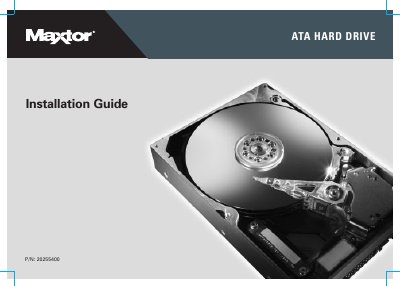
This document serves as an installation guide for Maxtor ATA hard drives. It provides instructions on unpacking, handling, and physically installing the drive into a computer system. The guide details steps such as removing the system cover, setting jumpers to cable select or master/slave modes, mounting the drive, and attaching cables.
Maxtor recommends using the cable select (CS) jumper position in most situations for ease of configuration.
You may need to use a bootable MaxBlast CD or diskette to partition and format large drives, or install specific chipset drivers like Intel Application Accelerator.