
《Maxtor OneTouch ™II Small Business Edition User’s Guide》 is a user manual for Maxtor OneTouch ™II Small Business Edition. It mainly introduces the hardware composition, system requirements, precautions before use, installation method, client software installation, usage methods, connection and disconnection, settings and other content of the product.
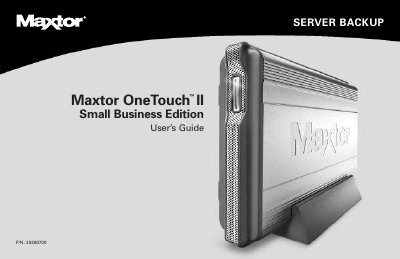
This manual provides instructions for setting up the Maxtor OneTouch II Small Business Edition, including installing the EMC/Dantz Retrospect Express HD Server software and connecting the drive via USB. It details the system requirements for both the server and client computers, as well as handling precautions to prevent damage.
| Processor Requirement | Pentium III, 500 MHz equivalent processor or higher |
|---|---|
| RAM Requirement (Server) | 256MB RAM or more |
| RAM Requirement (Client) | 128MB RAM or more |
| Interface | USB 2.0 or USB 1.1 |
The supported server operating systems are Windows Server 2000, Advanced Server 2000, Server 2003 Standard Edition, Windows Small Business Server 2000 and 2003.
Yes, you must install the software before connecting the drive to ensure a successful installation.
Bumping, jar-ing, or dropping the drive could damage it and void the warranty.