
This manual introduces how to use Shared Storage Plus.
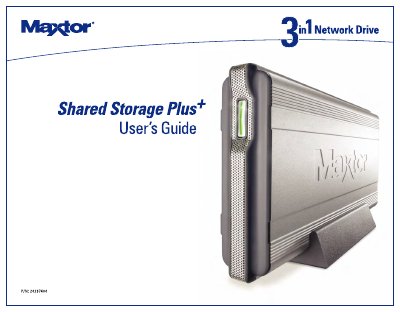
The Maxtor Shared Storage Plus is a network-attached storage device designed for home and small office environments. It allows users to share files, back up data across compatible PCs, and stream media such as photos, music, and videos to entertainment systems via UPnP-compatible adapters.
Installation involves connecting the drive to a router or switch using an Ethernet cable and powering it on. Users must install the Maxtor Quick Start software on their Windows 2000 or XP computers to configure the drive's settings, manage user access, and utilize features like Drag and Sort for file organization.
| Operating Systems | Windows 2000, Windows XP |
|---|---|
| Network Interface | 10/100 Ethernet RJ-45 port |
| Browser Requirement | Internet Explorer 6.0 or higher |
The drive requires Windows 2000 or XP, a router with an available Ethernet port, and Internet Explorer 6.0 or higher.
Plug the adapter into the drive's connector, then plug the cord into the adapter and finally into a power source.
The startup process can take up to one minute to complete, after which the status light pulses green.